Features
A screen recorder is easy. A workflow you’ll actually use every day is the hard part.
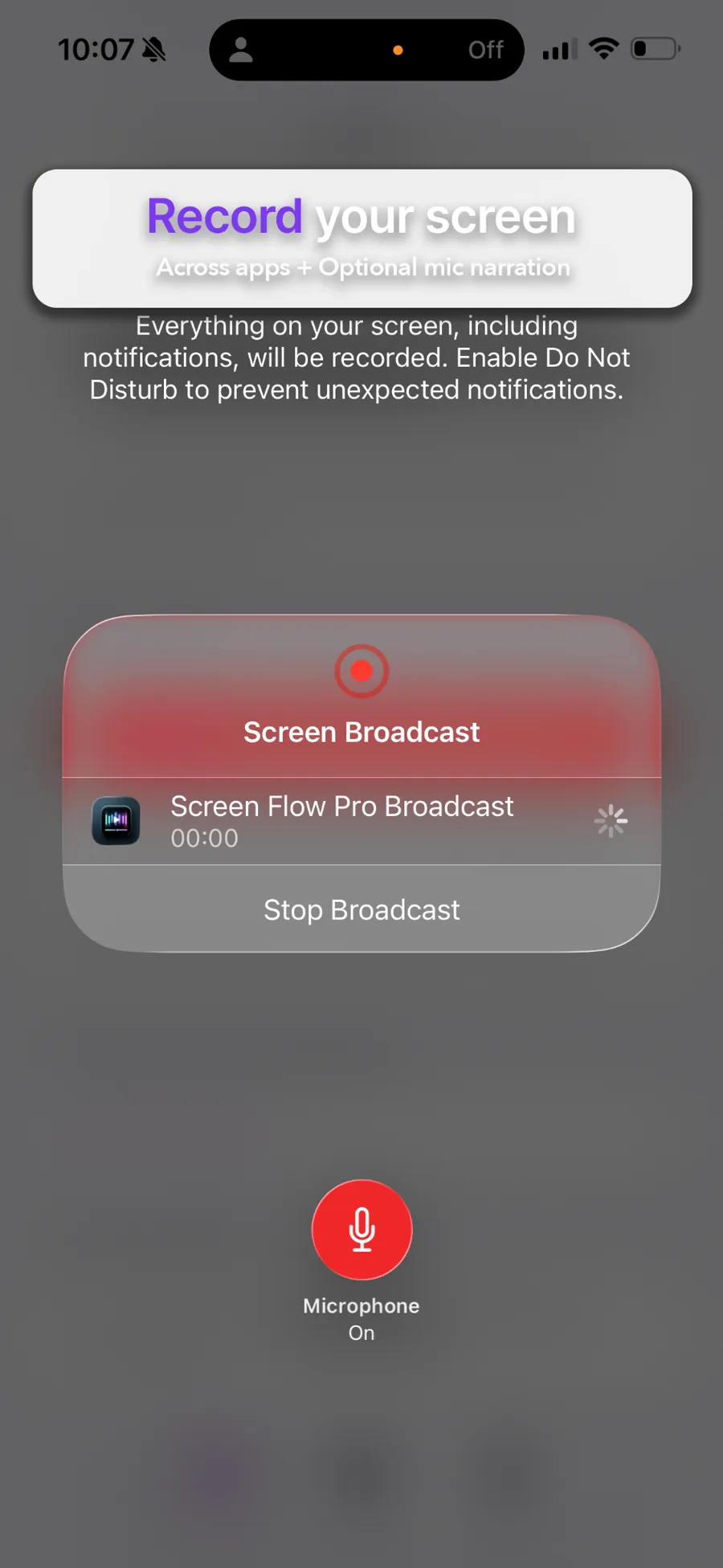
Record across apps
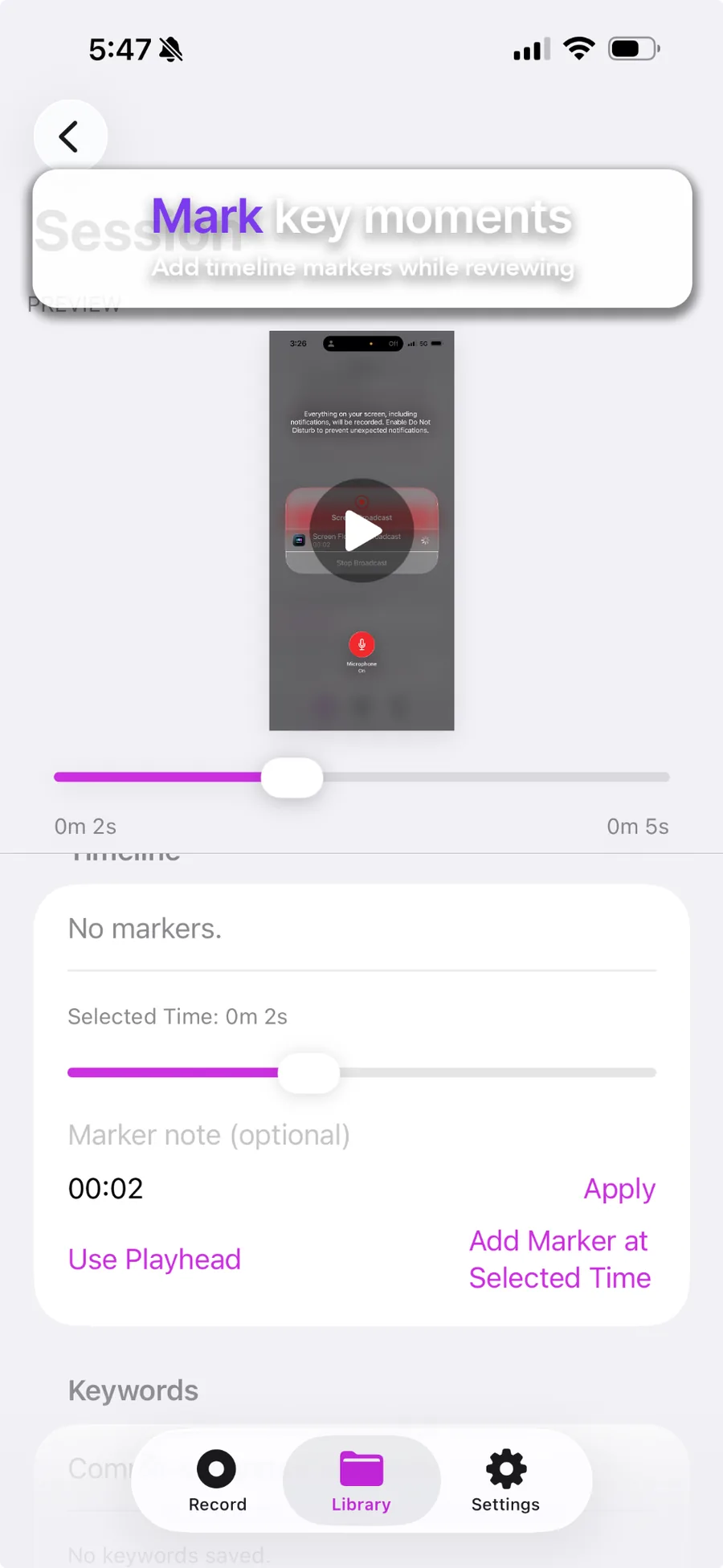
Markers + scrub
Bug Report Mode
Export presets
Sessions
Everything becomes a Session
Record across apps, then open your Session to edit and share. Titles, modes, duration, and storage are managed in-app.
- Record via Broadcast picker
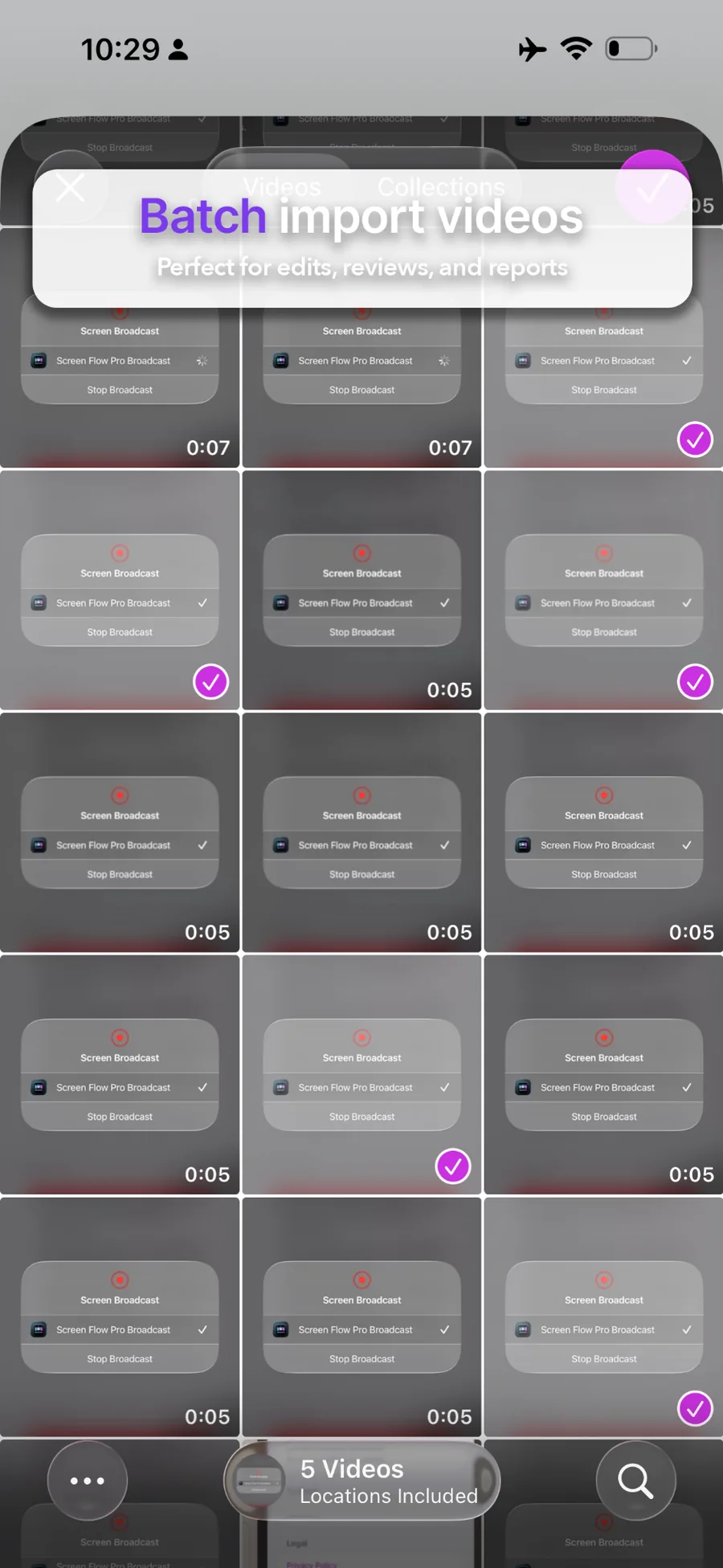
- Auto-import from App Group storage
- Clean Library list
Timeline
Scrub + jump points
Pinned preview stays visible while you edit. Add markers, then tap to jump instantly.
- Responsive scrub
- Marker management
- Great for tutorials & QA
Keywords
Keyword embedding
Pro keyword tagging helps you build your own searchable knowledge base. Tag by client, project, feature, or issue.
Tip: use a consistent tag format like client/acme or issue/crash.
Bug Report Mode
Speak “mark” to timestamp
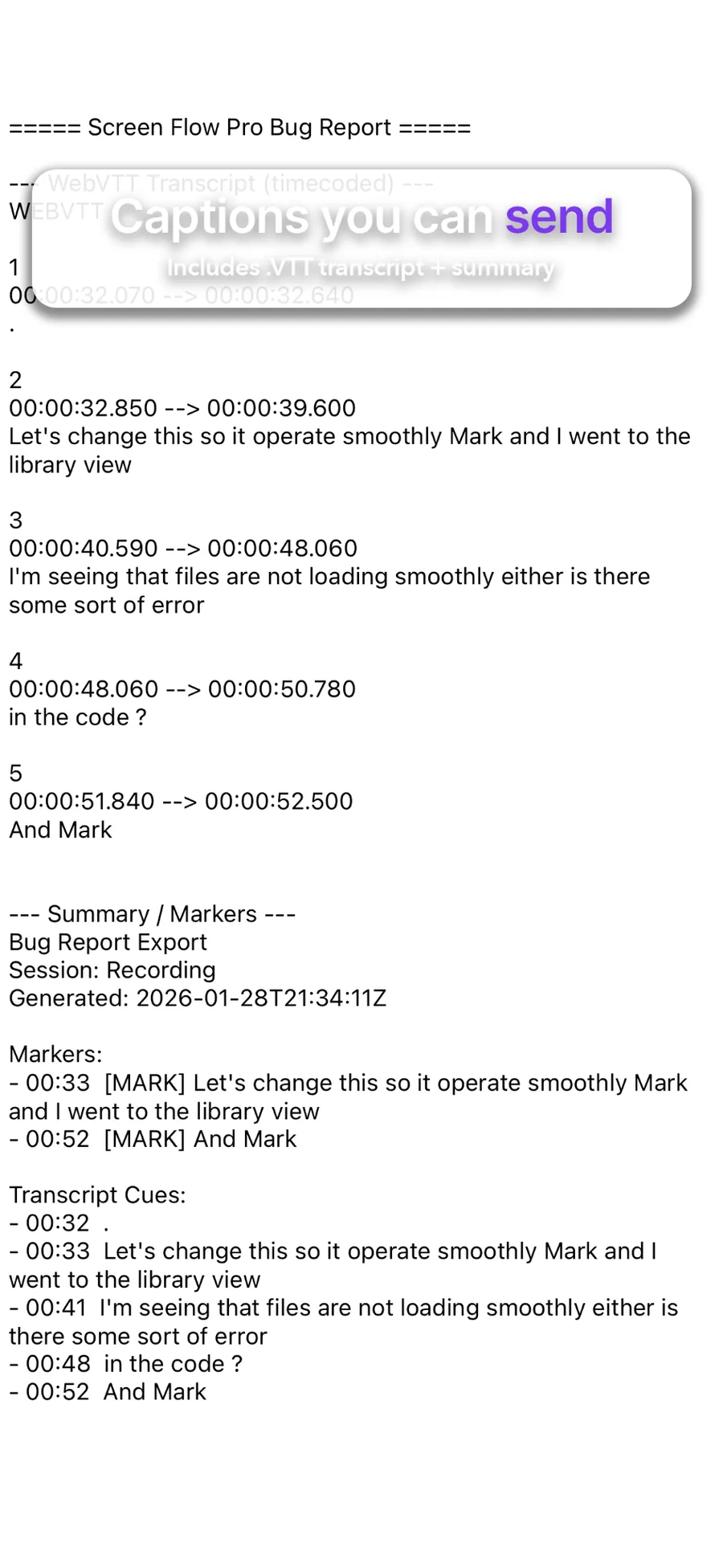
Create a shareable support bundle with video evidence, a timecoded transcript, and markers — tuned for reliable sharing.
- Transcript + markers
- Graceful fallback if speech fails
- Single combined text output for Messages reliability
Creator Mode
PiP reactions (coming soon)
Play back a Session while recording your front camera, then export a picture‑in‑picture reaction video. Planned controls include position, size, zoom, and audio mix.
See pricing & Pro unlocks
View pricing
Free gets you recording + raw export. Pro unlocks workflows.